阅读排版
---
name: sleek-design-mobile-apps
description: Use when the user wants to design a mobile app, create screens, build UI, or interact with their Sleek projects. Covers high-level requests ("design an app that does X") and specific ones ("list my projects", "create a new project", "screenshot that screen").
compatibility: Requires SLEEK_API_KEY environment variable. Network access limited to https://sleek.design only.
metadata:
requires-env: SLEEK_API_KEY
allowed-hosts: https://sleek.design
---
# Designing with Sleek
[](https://sleek.design)
## Overview
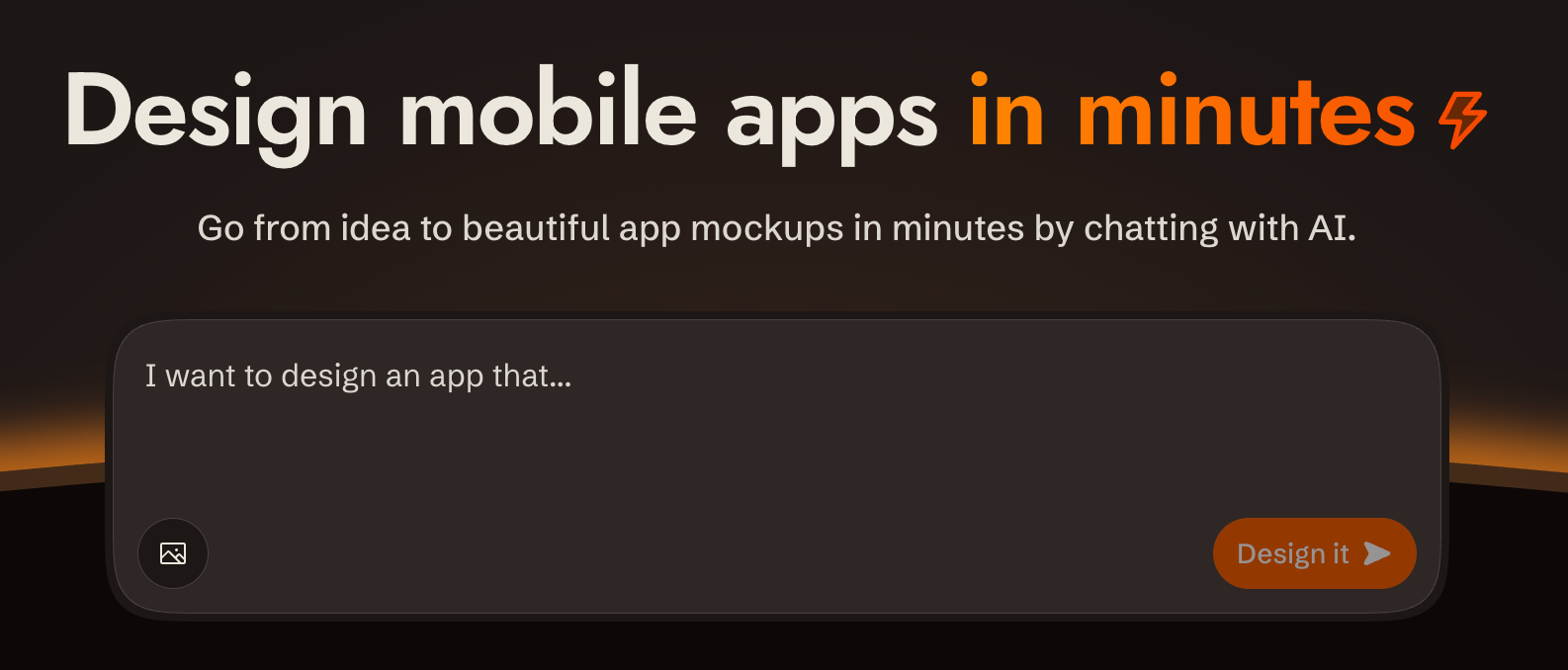
[sleek.design](https://sleek.design) is an AI-powered mobile app design tool. You interact with it via a REST API at `/api/v1/*` to create projects, describe what you want built in plain language, and get back rendered screens. All communication is standard HTTP with bearer token auth.
**Base URL**: `https://sleek.design`
**Auth**: `Authorization: Bearer $SLEEK_API_KEY` on every `/api/v1/*` request
**Content-Type**: `application/json` (requests and responses)
**CORS**: Enabled on all `/api/v1/*` endpoints
---
## Prerequisites: API Key
Create API keys at **https://sleek.design/dashboard/api-keys**. The full key value is shown only once at creation — store it in the `SLEEK_API_KEY` environment variable.
**Required plan**: Pro+ (API access is gated)
### Key scopes
| Scope | What it unlocks |
| ----------------- | ---------------------------- |
| `projects:read` | List / get projects |
| `projects:write` | Create / delete projects |
| `components:read` | List components in a project |
| `chats:read` | Get chat run status |
| `chats:write` | Send chat messages |
| `screenshots` | Render component screenshots |
Create a key with only the scopes needed for the task.
---
## Security & Privacy
- **Single host**: All requests go exclusively to `https://sleek.design`. No data is sent to third parties.
- **HTTPS only**: All communication uses HTTPS. The API key is transmitted only in the `Authorization` header to Sleek endpoints.
- **Minimal scopes**: Create API keys with only the scopes required for the task. Prefer short-lived or revocable keys.
- **Image URLs**: When using `imageUrls` in chat messages, those URLs are fetched by Sleek's servers. Avoid passing URLs that contain sensitive content.
---
## Handling high-level requests
When the user says something like "design a fitness tracking app" or "build me a settings screen":
1. **Create a project** if one doesn't exist yet (ask the user for a name, or derive one from the request)
2. **Send a chat message** describing what to build — you can use the user's words directly as `message.text`; Sleek's AI interprets natural language
3. **Follow the screenshot delivery rule** below to show the result
You do not need to decompose the request into screens first. Send the full intent as a single message and let Sleek decide what screens to create.
---
## Screenshot delivery rule
**After every chat run that produces `screen_created` or `screen_updated` operations, always take screenshots and show them to the user.** Never silently complete a chat run without delivering the visuals.
**When screens are created for the first time on a project** (i.e. the run includes `screen_created` operations), deliver:
1. One screenshot per newly created screen (individual `componentIds: [screenId]`)
2. One combined screenshot of all screens in the project (`componentIds: [all screen ids]`)
**When only existing screens are updated**, deliver one screenshot per affected screen.
Use `background: "transparent"` for all screenshots unless the user explicitly requests otherwise.
---
## Quick Reference — All Endpoints
| Method | Path | Scope | Description |
| -------- | --------------------------------------- | ----------------- | ----------------- |
| `GET` | `/api/v1/projects` | `projects:read` | List projects |
| `POST` | `/api/v1/projects` | `projects:write` | Create project |
| `GET` | `/api/v1/projects/:id` | `projects:read` | Get project |
| `DELETE` | `/api/v1/projects/:id` | `projects:write` | Delete project |
| `GET` | `/api/v1/projects/:id/components` | `components:read` | List components |
| `POST` | `/api/v1/projects/:id/chat/messages` | `chats:write` | Send chat message |
| `GET` | `/api/v1/projects/:id/chat/runs/:runId` | `chats:read` | Poll run status |
| `POST` | `/api/v1/screenshots` | `screenshots` | Render screenshot |
All IDs are stable string identifiers.
---
## Endpoints
### Projects
#### List projects
```http
GET /api/v1/projects?limit=50&offset=0
Authorization: Bearer $SLEEK_API_KEY
```
Response `200`:
```json
{
"data": [
{
"id": "proj_abc",
"name": "My App",
"slug": "my-app",
"createdAt": "2026-01-01T00:00:00Z",
"updatedAt": "..."
}
],
"pagination": { "total": 12, "limit": 50, "offset": 0 }
}
```
#### Create project
```http
POST /api/v1/projects
Authorization: Bearer $SLEEK_API_KEY
Content-Type: application/json
{ "name": "My New App" }
```
Response `201` — same shape as a single project.
#### Get / Delete project
```http
GET /api/v1/projects/:projectId
DELETE /api/v1/projects/:projectId → 204 No Content
```
---
### Components
#### List components
```http
GET /api/v1/projects/:projectId/components?limit=50&offset=0
Authorization: Bearer $SLEEK_API_KEY
```
Response `200`:
```json
{
"data": [
{
"id": "cmp_xyz",
"name": "Hero Section",
"activeVersion": 3,
"versions": [{ "id": "ver_001", "version": 1, "createdAt": "..." }],
"createdAt": "...",
"updatedAt": "..."
}
],
"pagination": { "total": 5, "limit": 50, "offset": 0 }
}
```
---
### Chat — Send Message
This is the core action: describe what you want in `message.text` and the AI creates or modifies screens.
```http
POST /api/v1/projects/:projectId/chat/messages?wait=false
Authorization: Bearer $SLEEK_API_KEY
Content-Type: application/json
idempotency-key:
{
"message": { "text": "Add a pricing section with three tiers" },
"imageUrls": ["https://example.com/ref.png"],
"target": { "screenId": "scr_abc" }
}
```
| Field | Required | Notes |
| ------------------------ | -------- | --------------------------------------------- |
| `message.text` | Yes | 1+ chars, trimmed |
| `imageUrls` | No | HTTPS URLs only; included as visual context |
| `target.screenId` | No | Edit a specific screen; omit to let AI decide |
| `?wait=true/false` | No | Sync wait mode (default: false) |
| `idempotency-key` header | No | Replay-safe re-sends |
#### Response — async (default, `wait=false`)
Status `202 Accepted`. `result` and `error` are absent until the run reaches a terminal state.
```json
{
"data": {
"runId": "run_111",
"status": "queued",
"statusUrl": "/api/v1/projects/proj_abc/chat/runs/run_111"
}
}
```
#### Response — sync (`wait=true`)
Blocks up to **300 seconds**. Returns `200` when completed, `202` if timed out.
```json
{
"data": {
"runId": "run_111",
"status": "completed",
"statusUrl": "...",
"result": {
"assistantText": "I added a pricing section with...",
"operations": [
{ "type": "screen_created", "screenId": "scr_xyz", "screenName": "Pricing" },
{ "type": "screen_updated", "screenId": "scr_abc" },
{ "type": "theme_updated" }
]
}
}
}
```
---
### Chat — Poll Run Status
Use this after async send to check progress.
```http
GET /api/v1/projects/:projectId/chat/runs/:runId
Authorization: Bearer $SLEEK_API_KEY
```
Response — same shape as send message `data` object:
```json
{
"data": {
"runId": "run_111",
"status": "queued",
"statusUrl": "..."
}
}
```
When completed successfully, `result` is present:
```json
{
"data": {
"runId": "run_111",
"status": "completed",
"statusUrl": "...",
"result": {
"assistantText": "...",
"operations": [...]
}
}
}
```
When failed, `error` is present:
```json
{
"data": {
"runId": "run_111",
"status": "failed",
"statusUrl": "...",
"error": { "code": "execution_failed", "message": "..." }
}
}
```
**Run status lifecycle**: `queued` → `running` → `completed | failed`
---
### Screenshots
Takes a snapshot of one or more rendered components.
```http
POST /api/v1/screenshots
Authorization: Bearer $SLEEK_API_KEY
Content-Type: application/json
{
"componentIds": ["cmp_xyz", "cmp_abc"],
"projectId": "proj_abc",
"format": "png",
"scale": 2,
"gap": 40,
"padding": 40,
"background": "transparent"
}
```
| Field | Default | Notes |
| ------------ | ------------- | --------------------------------------------------------------------- |
| `format` | `png` | `png` or `webp` |
| `scale` | `2` | 1–3 (device pixel ratio) |
| `gap` | `40` | Pixels between components |
| `padding` | `40` | Uniform padding on all sides |
| `paddingX` | _(optional)_ | Horizontal padding; overrides `padding` for left/right when provided |
| `paddingY` | _(optional)_ | Vertical padding; overrides `padding` for top/bottom when provided |
| `paddingTop` | _(optional)_ | Top padding; overrides `paddingY` when provided |
| `paddingRight` | _(optional)_ | Right padding; overrides `paddingX` when provided |
| `paddingBottom` | _(optional)_ | Bottom padding; overrides `paddingY` when provided |
| `paddingLeft` | _(optional)_ | Left padding; overrides `paddingX` when provided |
| `background` | `transparent` | Any CSS color (hex, named, `transparent`) |
| `showDots` | `false` | Overlay a subtle dot grid on the background |
Padding resolves with a cascade: per-side → axis → uniform. For example, `paddingTop` falls back to `paddingY`, which falls back to `padding`. So `{ "padding": 20, "paddingX": 10, "paddingLeft": 5 }` gives top/bottom 20px, right 10px, left 5px.
When `showDots` is `true`, a dot pattern is drawn over the background color. The dots automatically adapt to the background: dark backgrounds get light dots, light backgrounds get dark dots. This has no effect when `background` is `"transparent"`.
Always use `"background": "transparent"` unless the user explicitly requests a specific background color.
Response: raw binary `image/png` or `image/webp` with `Content-Disposition: attachment`.
---
## Error Shapes
```json
{ "code": "UNAUTHORIZED", "message": "..." }
```
| HTTP | Code | When |
| ---- | ----------------------- | -------------------------------------- |
| 401 | `UNAUTHORIZED` | Missing/invalid/expired API key |
| 403 | `FORBIDDEN` | Valid key, wrong scope or plan |
| 404 | `NOT_FOUND` | Resource doesn't exist |
| 400 | `BAD_REQUEST` | Validation failure |
| 409 | `CONFLICT` | Another run is active for this project |
| 500 | `INTERNAL_SERVER_ERROR` | Server error |
Chat run-level errors (inside `data.error`):
| Code | Meaning |
| ------------------ | -------------------------------- |
| `out_of_credits` | Organization has no credits left |
| `execution_failed` | AI execution error |
---
## Flows
### Flow 1: Create project and generate a UI (async + polling)
```
1. POST /api/v1/projects → get projectId
2. POST /api/v1/projects/:id/chat/messages → get runId (202)
3. Poll GET /api/v1/projects/:id/chat/runs/:runId
until status == "completed" or "failed"
4. Collect screenIds from result.operations
(screen_created and screen_updated entries)
5. Screenshot each affected screen individually
6. If any screen_created: also screenshot all project screens combined
7. Show all screenshots to the user
```
**Polling recommendation**: start at 2s interval, back off to 5s after 10s, give up after 5 minutes.
### Flow 2: Sync mode (simple, blocking)
Best for short tasks or when latency is acceptable.
```
1. POST /api/v1/projects/:id/chat/messages?wait=true
→ blocks up to 300s
→ 200 if completed, 202 if timed out
2. If 202, fall back to Flow 1 polling with the returned runId
3. On completion, screenshot and show affected screens (see screenshot delivery rule)
```
### Flow 3: Edit a specific screen
```
1. GET /api/v1/projects/:id/components → find screenId
2. POST /api/v1/projects/:id/chat/messages
body: { message: { text: "..." }, target: { screenId: "scr_xyz" } }
3. Poll or wait as above
4. Screenshot the updated screen and show it to the user
```
### Flow 4: Idempotent message (safe retries)
Add `idempotency-key` header on the send request. If the network drops and you retry with the same key, the server returns the existing run rather than creating a duplicate. The key must be ≤255 chars.
```
POST /api/v1/projects/:id/chat/messages
idempotency-key: my-unique-request-id-abc123
```
### Flow 5: One run at a time (conflict handling)
Only one active run is allowed per project. If you send a message while one is running, you get `409 CONFLICT`. Wait for the active run to complete before sending the next message.
```
409 response → poll existing run → completed → send next message
```
---
## Pagination
All list endpoints accept `limit` (1–100, default 50) and `offset` (≥0). The response always includes `pagination.total` so you can page through all results.
```http
GET /api/v1/projects?limit=10&offset=20
```
---
## Common Mistakes
| Mistake | Fix |
| --------------------------------------------------- | ------------------------------------------------------------------------------- |
| Sending to `/api/v1` without `Authorization` header | Add `Authorization: Bearer $SLEEK_API_KEY` to every request |
| Using wrong scope | Check key's scopes match the endpoint (e.g. `chats:write` for sending messages) |
| Sending next message before run completes | Poll until `completed`/`failed` before next send |
| Using `wait=true` on long generations | It blocks 300s max; have a fallback to polling for `202` response |
| HTTP URLs in `imageUrls` | Only HTTPS URLs are accepted |
| Assuming `result` is present on `202` | `result` is absent until status is `completed` |
